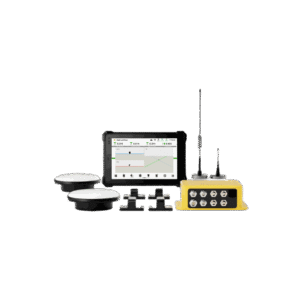
The EC100 is for an excavator that works to design most days: bulk earthworks, roads, drainage, batters and dams. The sensors and antennas stay on the machine, so the operator jumps in, picks the job and digs. It’s guidance: the tablet shows cut/fill and the operator drives the machine.
FJD renamed its machine-control range in 2026. The G31 Pro became the EC100, and the hardware and workflow carry over with new features added. If you’ve seen the G31 Pro elsewhere, this is the same system.
What Changes on the Job
- No pegs or string lines. The design lives on the tablet, so a knocked peg no longer means a re-dig.
- No grade checker in the hole. The operator sees how far off grade the bucket is from the seat.
- Less over-digging. Dig to the number instead of digging, checking, trimming and checking again. Every metre you don’t over-dig is fill you don’t have to buy and compact.
EC100, EG10 or a Laser Kit?
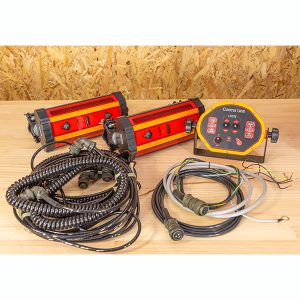
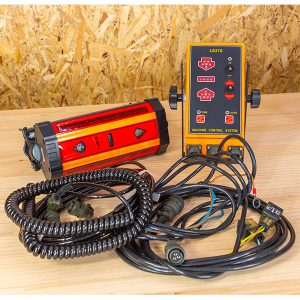
- Laser and machine receiver kits: the simplest way to dig to one grade, but you need a laser on site and you work to a single plane.
- FJD Trion EG10: wireless GPS guidance that moves between machines. It suits trenching, levelling and slopes on one or more excavators.
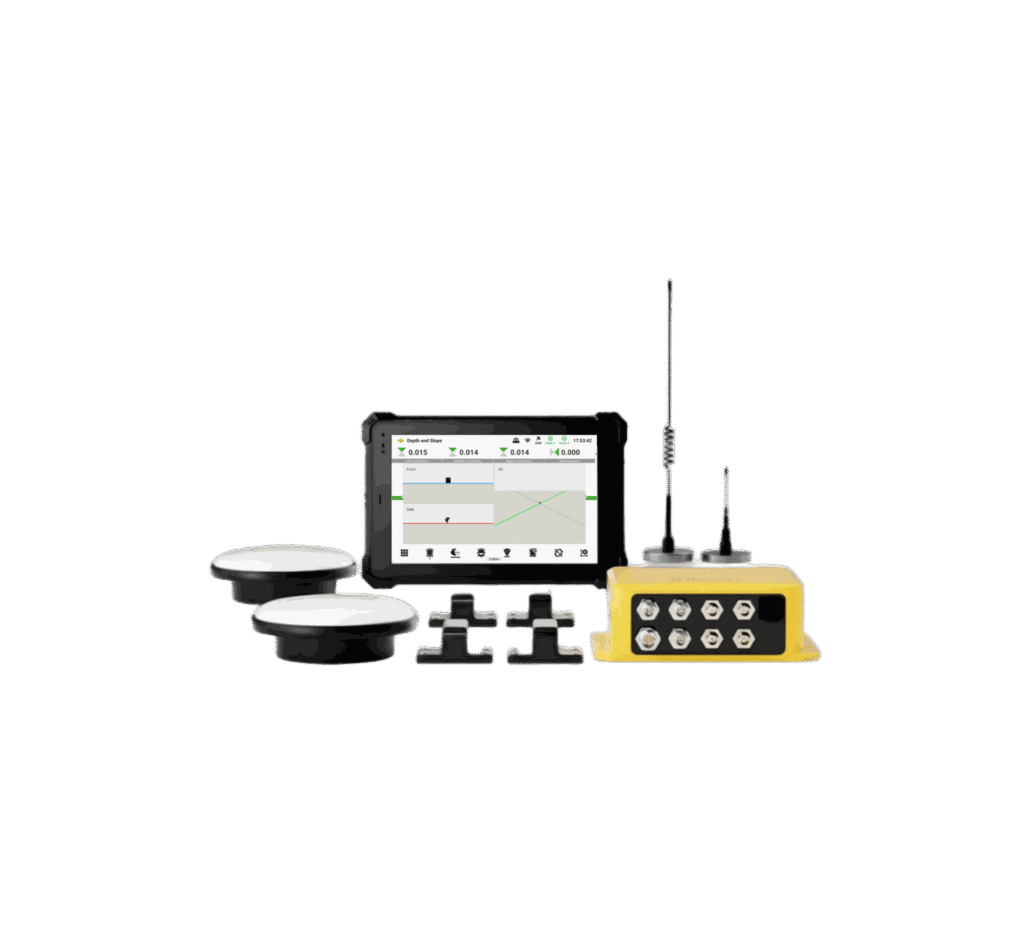
- FJD Trion EC100: a full 3D system with wired sensors on the body, boom, stick and bucket and two antennas for heading. It suits a machine that works to 3D designs every day, including two-piece and swing booms.
How It Works
Two GNSS antennas on the cab roof give the machine’s position and heading without having to slew to find direction. Tilt sensors (IMUs) on the body, boom, stick and bucket report the machine’s posture 100 times a second. The control module combines the two and sends the bucket position to the 10.1-inch tablet in the cab, which shows it against the design in 3D with cut/fill figures.
You can set virtual fences around services, structures or a depth limit. The system gives a voice alert when the machine gets close, which helps stop over-digging and strikes.
Designs and Coordinate Systems
Load DWG, DXF, SHP, KML or XML design files, or build simple designs on the tablet: levels, slopes, lines and cross-sections. More than 6,000 coordinate systems are built in. Through FJD’s TerraMind cloud platform, the office can send designs to the machine and see its location, status and progress.
Calibration
FJD gives two calibration methods. With an FJD Trion V10a rover, you can calibrate the machine in about 30 minutes without a total station. If you have a total station, a guided five-step process does the job. Those times are FJD’s figures.
Corrections: What ±3 cm Needs
- NTRIP over 4G: the tablet’s 4G modem connects to an NTRIP correction service, either a subscription network or Geoscience Australia’s free AUSCORS streams (registration required). You supply the SIM and data plan.
- Your own base station: an optional UHF radio (410–470 MHz or 902–928 MHz) takes corrections from a base on site, which suits jobs with poor mobile coverage.
The antennas need a clear view of the sky. Tall buildings, heavy tree cover and deep cuts beside walls can affect the fix.
Booms, Buckets and Wet Sites
The EC100 handles standard (mono) booms out of the box. FJD sells accessory kits for tilt buckets, two-piece booms and swing or offset booms. For dredging and work in water, FJD offers roof-mounted antennas and a waterproof kit. Tell us your machine, boom and buckets and we’ll confirm what you need.
What We Need to Quote
Send us the machine make, model and size, the boom type, the buckets you run (including any tilt bucket or tiltrotator), and how you’ll get corrections. We can arrange installation, calibration and operator training. Ask us what’s involved for your machine.