


Method 01 · Manual Grade
Manual grade via slope remote
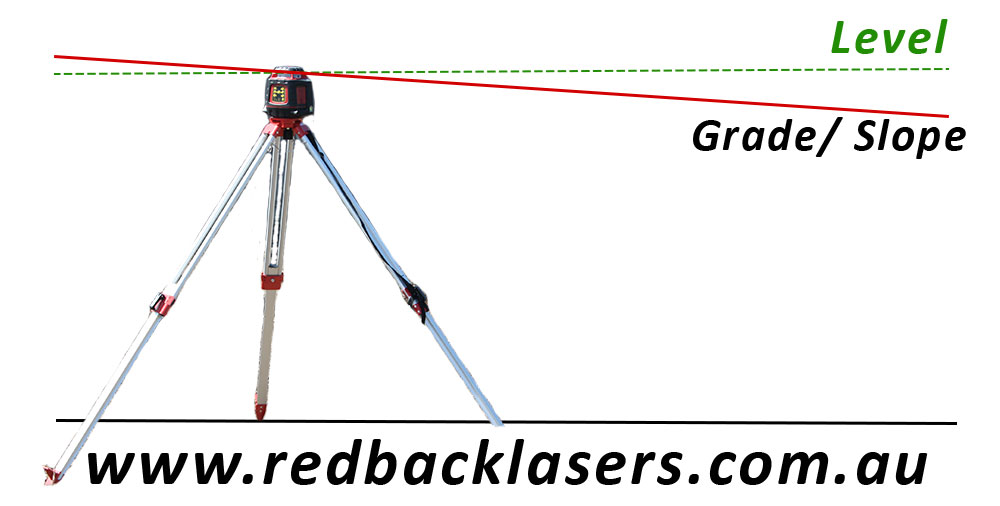
Manual grade setting uses the slope remote to tilt the laser’s beam to the percentage of slope you need. It’s the classic, tried-and-tested method on any rotary laser level with slope, and it’s the baseline capability across the RedBack grade range – from the entry-level EL614S through to the EGL624GM.
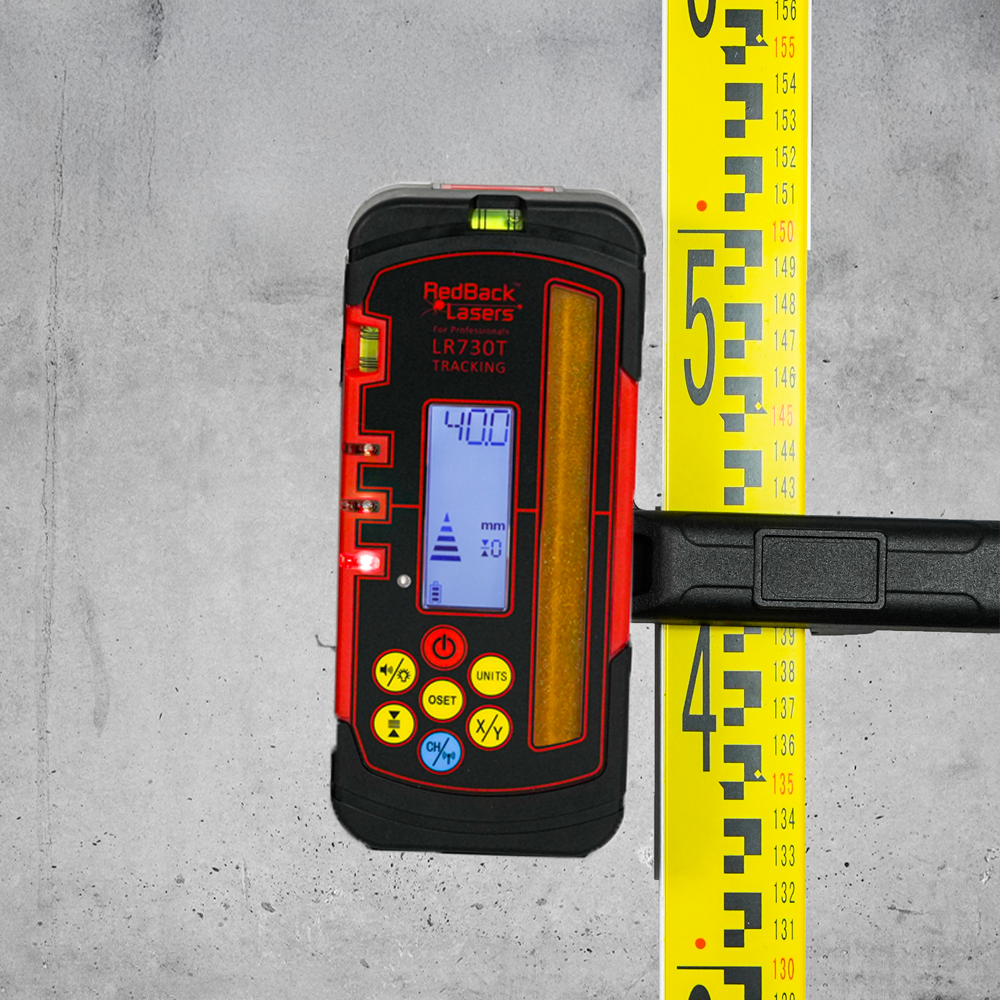
If you’re matching to a known grade – say a 1-in-60 drainage fall – you set the slope value and the laser holds it from that point on. Need to crunch the percentage for your run? Use the free Slope & Fall Calculator to work it out. Pair with a mm display receiver for high accuracy at the receiver end of the run.
- Single or dual grade depending on laser model
- Works across the full levelling range (up to ~8%)
- Remote range to ~60m on supported lasers
Video to supply
RedBack rotary lasers with manual grade
NEW! mm Receiver
Rotating LaserNEW! mm Receiver
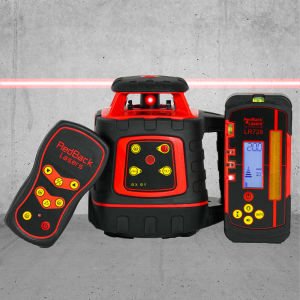
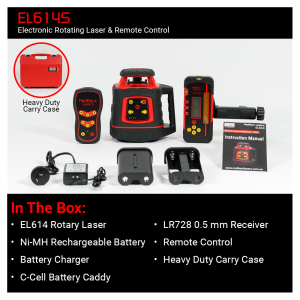
EL614S


Accuracy
+/- 1.5mm @ 20m
Range
700m Diameter
Horizontal
0.5mm Receiver (80mm Long)
Ni-mh Rechargeable
Single Grade
#1 Allrounder
Rotating Laser#1 Allrounder
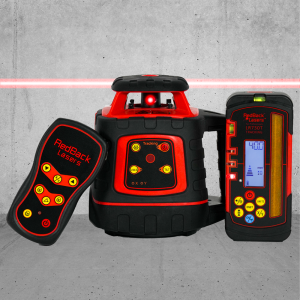
EL614GM




Accuracy
+/- 1.5mm @ 20m
Range
800m Diameter
Horizontal
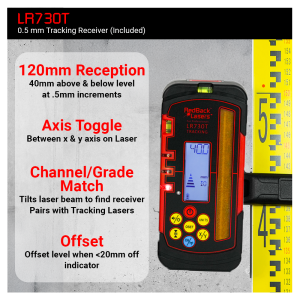
0.5mm Tracking Receiver (120mm Long)
Ni-mh Rechargeable
Single Grade | Auto Match
Out of Stock
Dual Grade
Rotating LaserDual Grade
EGL624GM
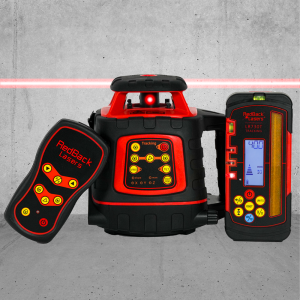


Accuracy
+/- 1.5mm @ 20m
Range
800m Diameter
Horizontal & Vertical
0.5mm Tracking Receiver (120mm Long)
Ni-mh Rechargeable
Dual Grade | Auto Match